
Online payments
Fluxo padrão do Odoo. Consulte também o procedimento KMEE para os módulos brasileiros.
To make it more convenient for your customers to pay the invoices you issue, you can activate the Invoice Online Payment feature, which adds a Pay Now button on their Customer Portal. This allows your customers to see their invoices online and pay directly with their favorite payment method, making the payment process much easier.
Configuração
Make sure your payment providers are correctly configured.
To activate the Invoice Online Payment, go to Accounting -> Configuration -> Settings -> Customer Payments, enable Invoice Online Payment, and click on Save.
Portal do Cliente
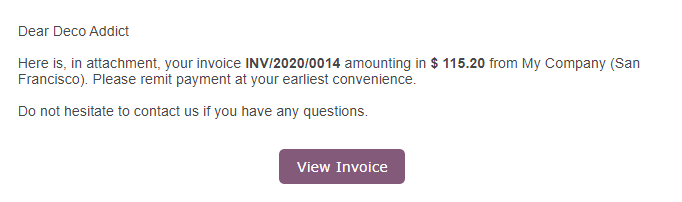
After issuing the invoice, click on Send & Print and send the invoice by email to the customer. They will receive an email with a link that redirects them to the invoice on their Customer Portal.
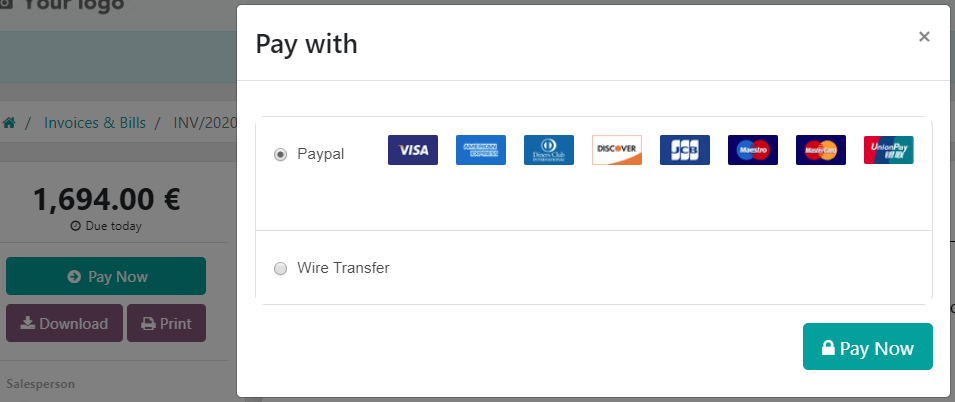
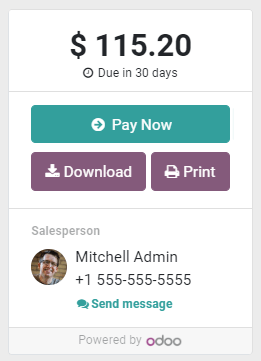
They can choose which Payment Provider to use by clicking on Pay Now.
Veja também
- Online payments